Design Inspiration & MARC Samples
Explore real MARC designs to help guide your own layout, button positioning, screen placement, branding, and packaging concepts.
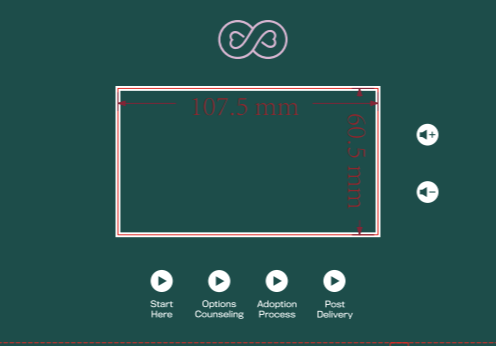
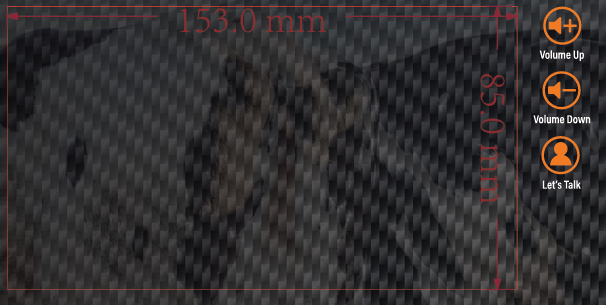
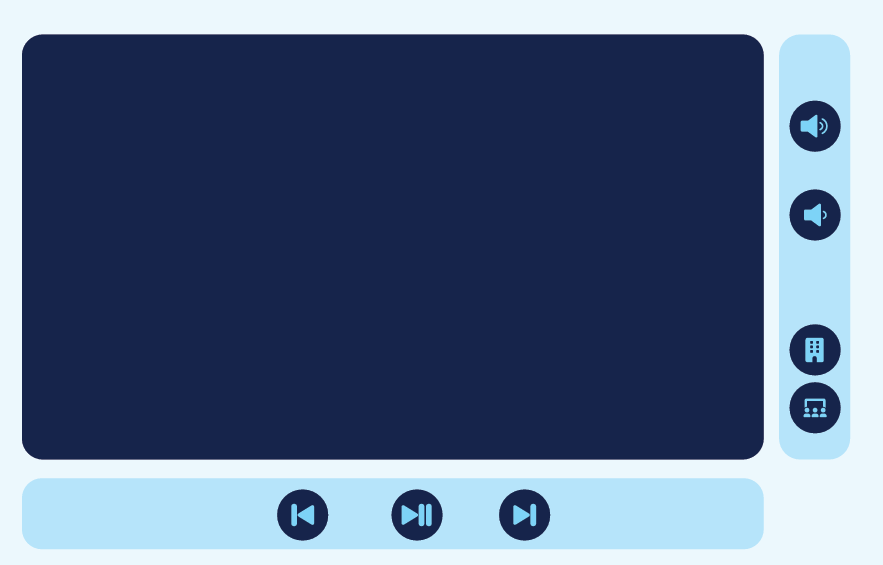
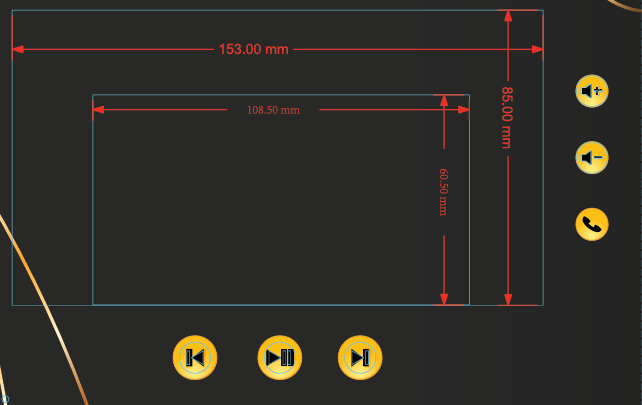
1. Button & Screen Placement Examples
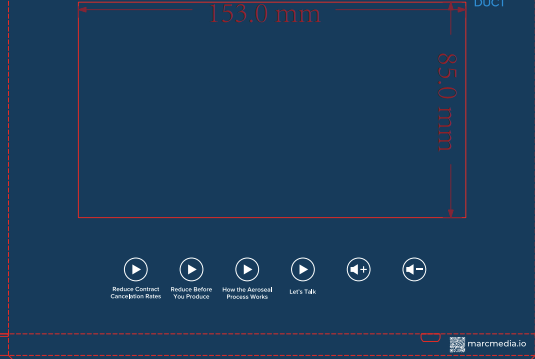
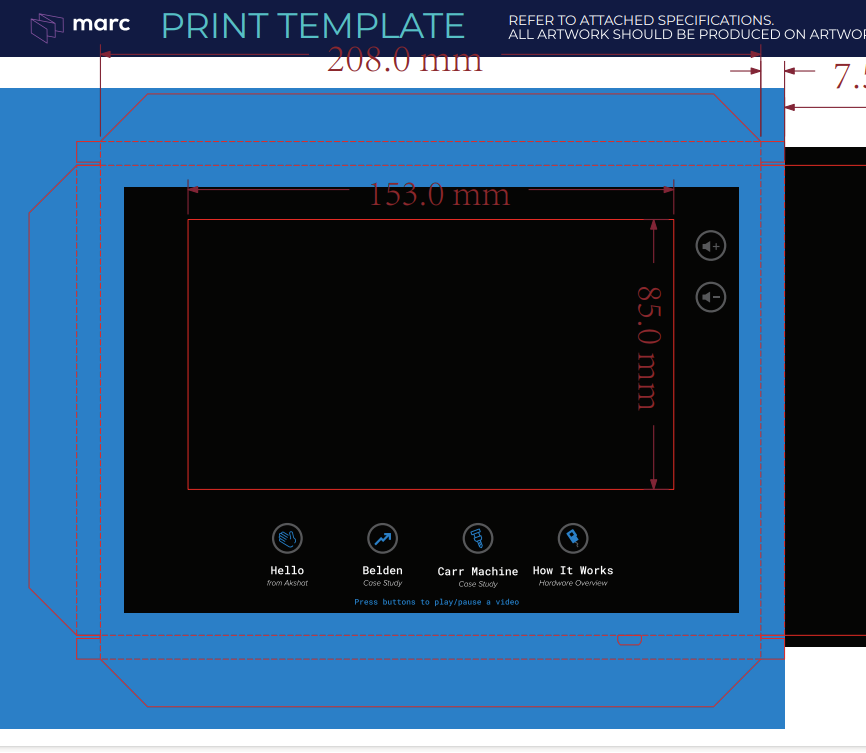
These examples show how screens, buttons, and CTA icons can be visually integrated into the MARC design while keeping spacing, alignment, and usability in mind.
- Marc Button_Example1
- Marc Button_Example2
- Marc Button_Example3
- Marc Button_Example4
- Marc Button_Example5
- Marc Button_Example6
Notes:
-
Number of buttons: Up to nine total. This includes volume, CTA, and up to 6 media/video buttons.
-
Standard buttons (default): Play/Pause - Forward & Backward buttons - Volume Up & Down.
-
Using custom media buttons: If you choose to add 4–6 custom media buttons, the standard play/pause and directional buttons are replaced.
-
CTA options: CTA can launch a video or a PNG/QR pop-up (1024 × 600). Examples: Visit website, Schedule a call, Call us.
-
CTA format rule: If CTA is programmed to trigger a video, you cannot upload a PNG later (and vice versa).
-
Placement: Best practice: CTA on the right side or under the screen, visually separate from playback buttons.
-
Design flexibility: Buttons can include icons, brand color, shadowed background, or text, but should remain recognizable and evenly spaced.
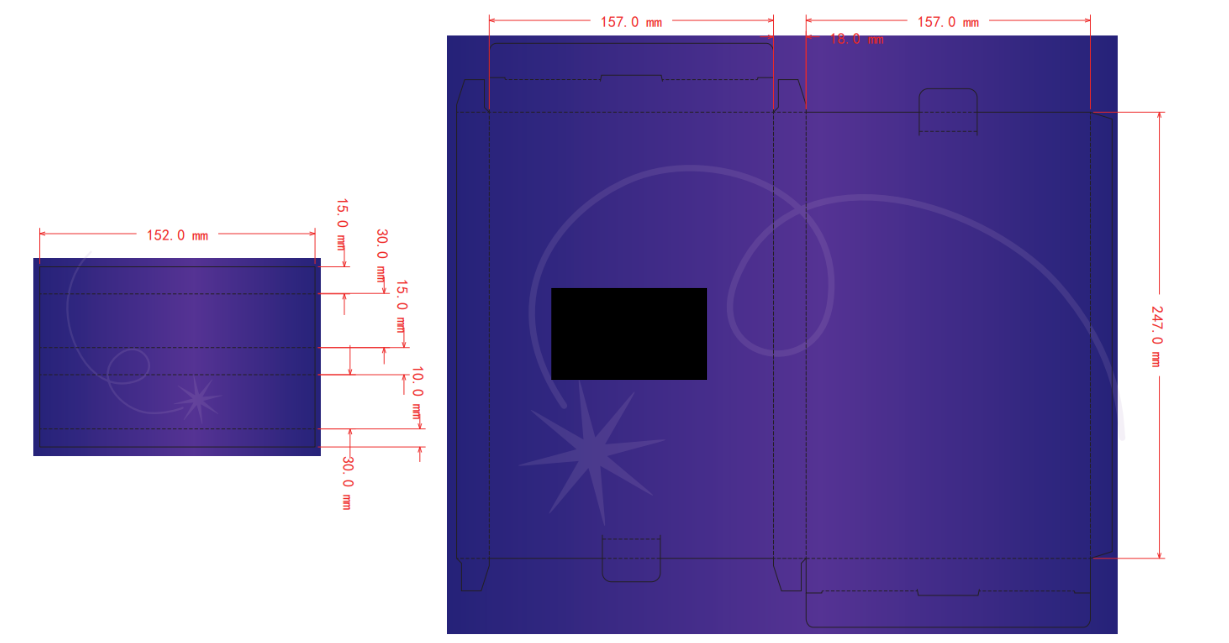
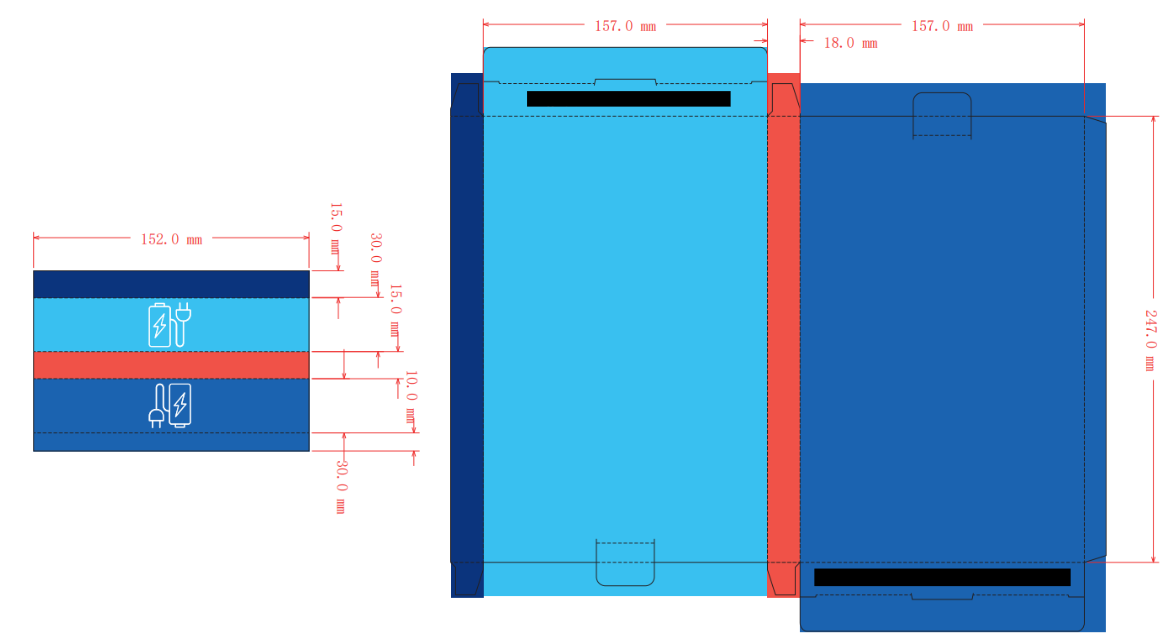
3. Packaging & Sleeve Design Examples
These examples show how your artwork appears on printed corrugated sleeves, including bleed, overlap zones, and crease fold areas.